


Unlock more with the Adobe Firefly Pro plan with access to Adobe Podcast Premium 
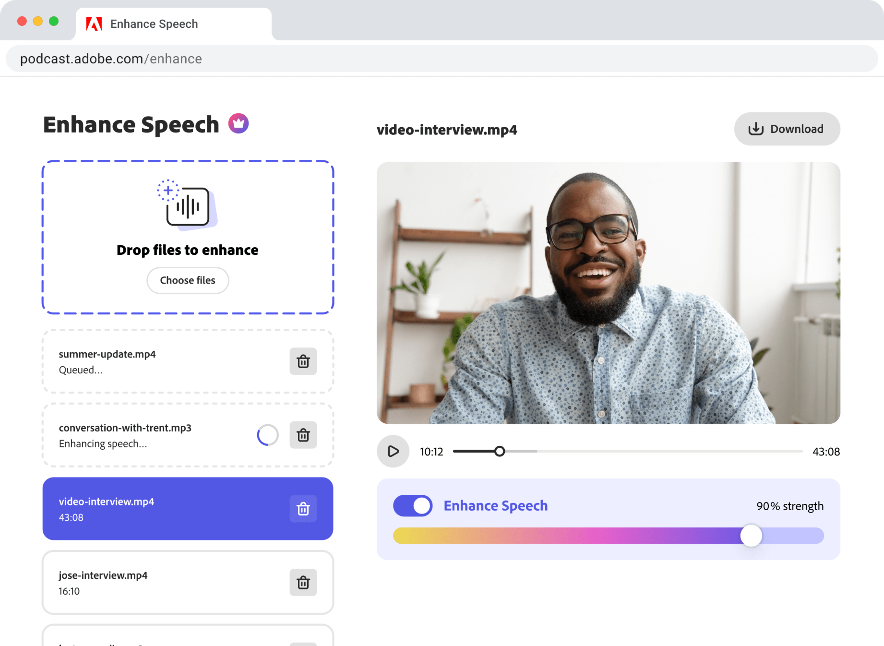
- Enhance Speech fixes audio problems after the fact, no perfect mic needed
- Video support for MP4, MOV, and more
- Bulk upload files for enhancement
- Adjust speech, music, and ambience for a more natural sound
- Enhance up to 4 hours a day, files up to 1 GB
- No download limits on Studio projects
- Download original recordings, speaker-separated
- Customize audiograms and captions with themes
- Upload custom backgrounds for audiograms
- 4,000 generative credits/month and unlimited generation on select image models
Enhance Speech


Studio


Create with Firefly Pro

 Start free trial
What's new in Adobe Podcast?
Updates and enhancements – March 2026

Last updated: March 5, 2026
Author: Harmony Jiroudek, Product education & community manager
Adobe Podcast offers tools for creating high-quality audio and video. With Studio, you can record remote conversations and edit them like a text document. Enhance Speech improves clarity by reducing background noise and balancing voices.
We’ve continued investing across Adobe Podcast to make it more powerful, flexible, and creator-friendly. Leading this release is a major upgrade to Enhance Speech, giving you more control over every element of your sound. We’re also introducing video recording capabilities in Studio and expanded multitrack editing workflows — all designed to help you create with more precision, stability, and ease.
Enhance Speech: Advanced source separation
👑 (Premium-only)
Take control of every layer of your sound. Struggling with background noise, distracting music, or unbalanced audio? Now you can control each sound layer separately — instead of settling for a single processed track.
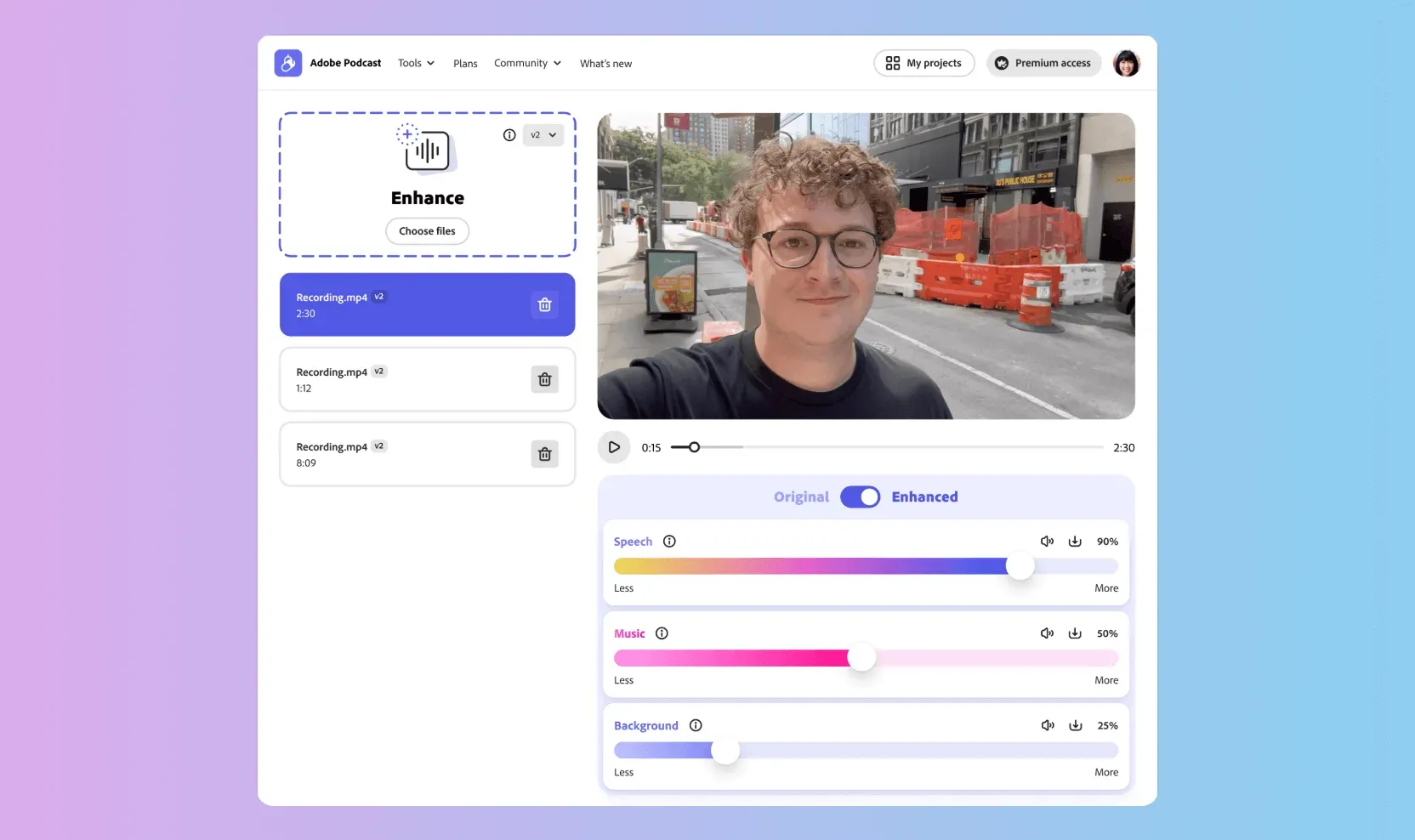
Enhance Speech now goes beyond improving clarity. With advanced source separation, you can independently control speech, background noise, and now music — giving you far more flexibility over your final mix.
What's new:
- Music control slider to adjust, rebalance, or mute background music.
- Download stems (isolated audio tracks) for speech, background noise, and music.
Why this matters:
- Independent control of background noise and music — Adjust or remove each element separately without affecting dialogue.
- Rescue footage with copyrighted music — Remove background tracks while preserving clear speech and natural ambiance.
- More precise audio cleanup — Tackle distracting sounds while keeping voices natural and intact.
- Flexible post-production workflows — Download individual stems to continue editing in other tools.
Remote audio & video recording
Studio-quality remote recording, no setup required. Remote interviews can be messy — uneven audio, dropped connections, and guests recording on low-quality mics. Studio simplifies this by capturing high-quality audio and video.
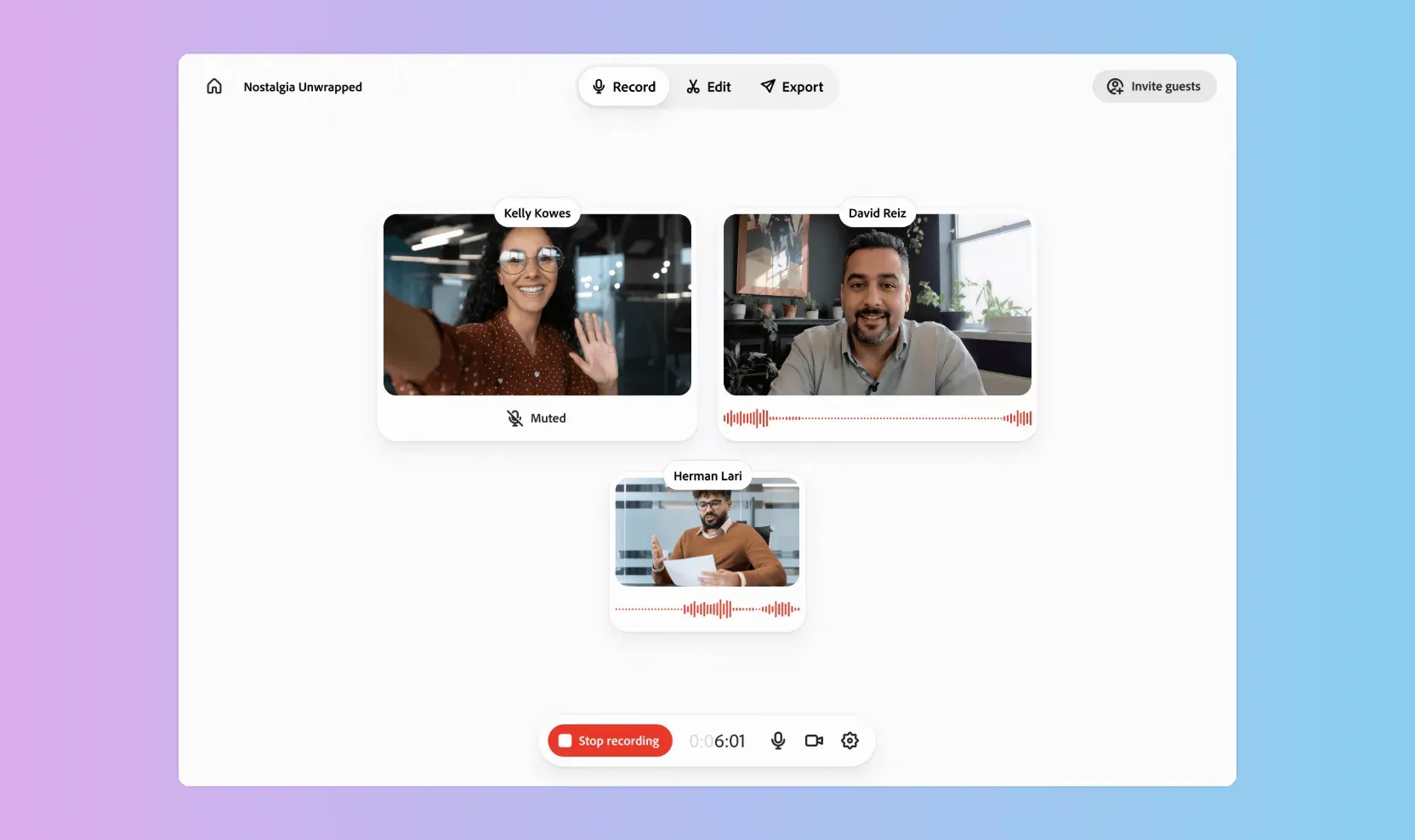
Podcast Studio makes it simple to record high-quality conversations with anyone, anywhere. There’s no complicated setup — just share a link and start recording.
With separate tracks captured automatically, you can focus on the conversation instead of worrying about technical details.
What's new:
- High-quality remote recording for clear, natural sounding conversation.
- Video recording now rolled out, captured alongside audio.
Why this matters:
- Cleaner edits after recording — Each participant’s track can be adjusted independently.
- Built for modern podcasting — Perfect for remote guests, video podcasts, and distributed teams.
- No technical barriers — No special equipment or complex configuration required.
Multi-track import: richer audio & video workflows
Bring complex projects into a simple workflow. Editing multi-speaker conversations is difficult when all voices are on a single track. Adjusting one speaker affects the entire recording.
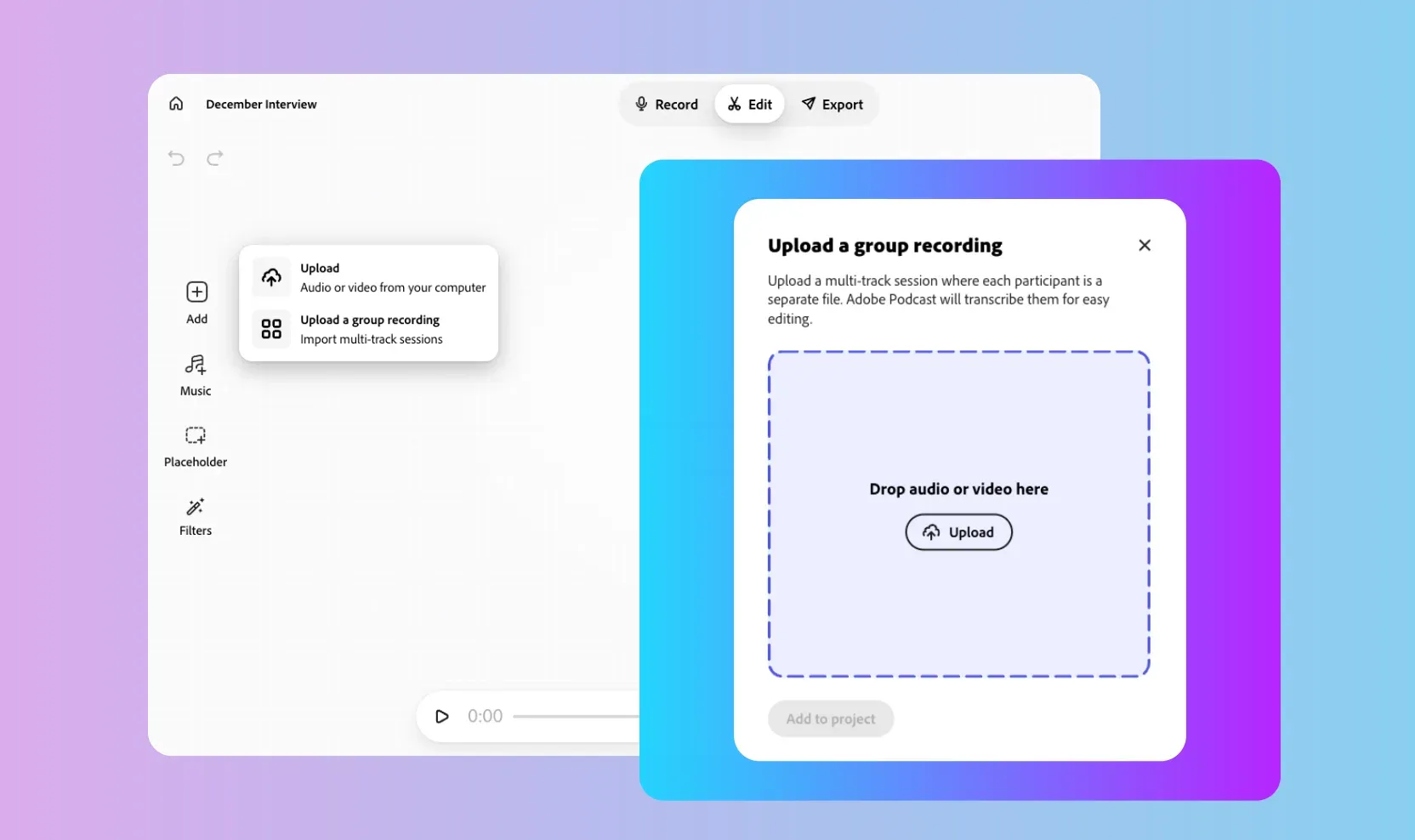
Adobe Podcast Studio now supports multitrack upload for both audio and video. You can import separate files for each guest, and Studio automatically syncs them into one unified project.
This is especially useful for remote interviews recorded on platforms like Zoom. Instead of working from a single mixed file, you can edit each participant’s track individually — giving you more flexibility and precision.
What's new:
- Upload separate audio and video tracks for each participant.
- Automatic sync across all tracks with a single unified transcript.
- Independent editing per speaker, directly in the browser.
Why this matters:
- Cleaner edits for remote conversations — Fix background noise, interruptions, or audio inconsistencies without affecting the entire recording.
- Support for video conference and livestream setups — Import multi-participant recordings from platforms like Zoom, Restream, StreamYard, or Riverside.
- Flexible multimedia workflows — Ideal for remote interviews, video podcasts, storytelling formats, and mixed media projects.
- More control, less compromise — Trim, rearrange, or polish each component independently.
If you’re new to working this way, you can follow our step-by-step guide on how to import your Zoom recordings.