


Unlock more with the Adobe Firefly Pro plan with access to Adobe Podcast Premium 
- Enhance Speech fixes audio problems after the fact, no perfect mic needed
- Video support for MP4, MOV, and more
- Bulk upload files for enhancement
- Adjust speech, music, and ambience for a more natural sound
- Enhance up to 4 hours a day, files up to 1 GB
- No download limits on Studio projects
- Download original recordings, speaker-separated
- Customize audiograms and captions with themes
- Upload custom backgrounds for audiograms
- 4,000 generative credits/month and unlimited generation on select image models
Enhance Speech


Studio


Create with Firefly Pro

Start free trial
 Start free trial
Try these features
Add captions to video
Turn your video into something everyone can follow along with. Just upload, add captions in a click, style them to fit your vibe, and you’re ready to share anywhere.

Create captioned videos easily

Upload
We'll generate your captions

Customize
Pick a theme and aspect ratio

Download
Ready to share

Easy to follow captions
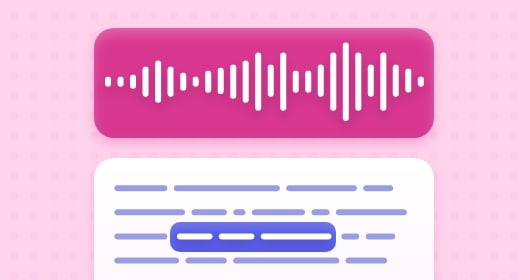
Captions make it easy for your listeners to follow along with your story. With recordings made in Adobe Podcast, you’ll also see a label of who’s speaking.
 Supports captions in English, Hindi, German, Italian, Portuguese, French, and Spanish
 Captions stay perfectly in sync
 Easily correct transcript like editing a doc
Customize captions to match your story
Captions come in a variety of themes, each with different colors and fonts. You can also crop your video to different aspect ratios.
 Pick a theme that fits your vibe
 Show or hide speaker names
 Download in the right size for every platform
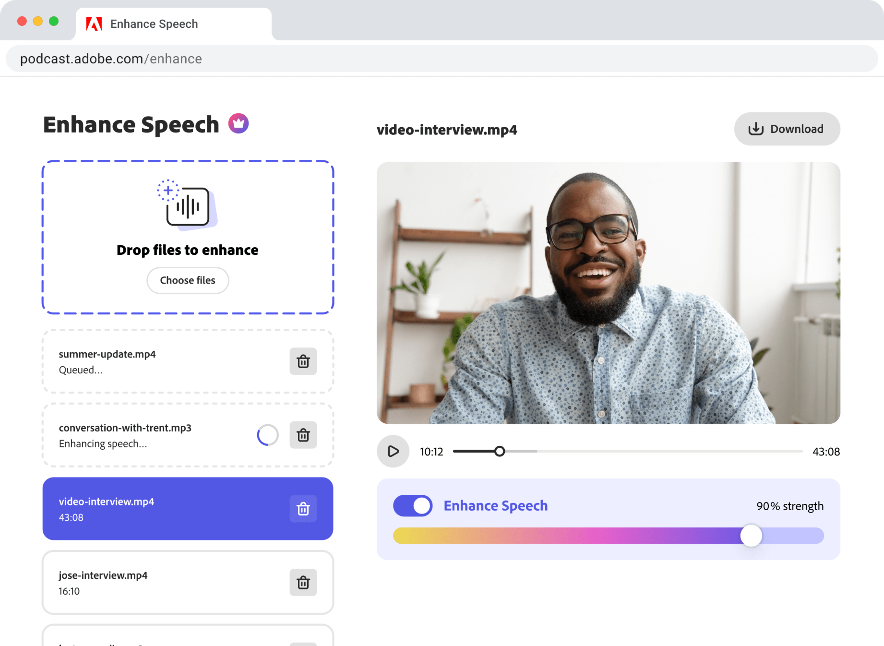
Enhance Speech in a click
With Enhance Speech, the voices in your file are crystal clear and background noise vanishes.
 Remove background noise
 Automatic leveling
 Adjust strength for a more natural sound